
Introducing AI Image Generator: Screen Visuals From a Text Prompt
The most requested feature is here. Describe the picture you need, choose a format that matches your screen, and get a ready-to-play image in your DigiOnGo content library — without a designer, stock photos or third-party tools.
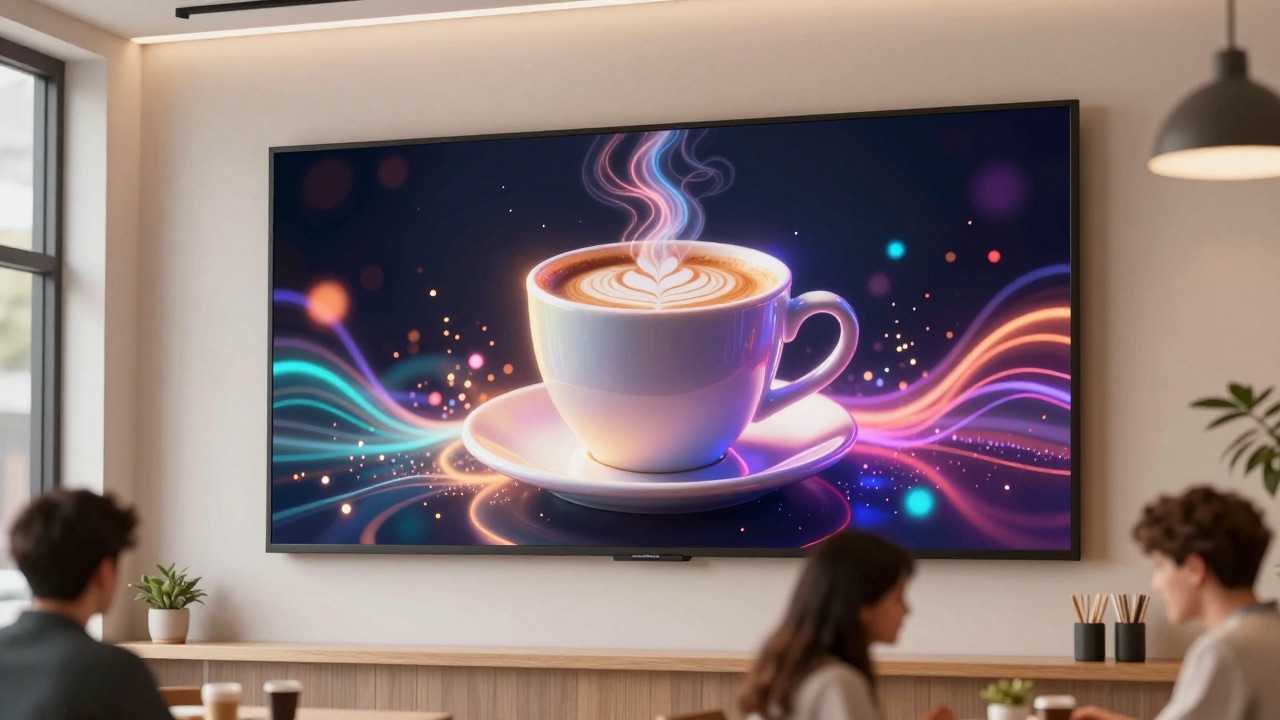
Keeping screens fresh is the hardest part of digital signage. Hardware works for years; content goes stale in weeks. Small businesses rarely have a designer on call, and stock photos never quite match the brand, the season or the promotion.
That is why we built AI Image Generator straight into the DigiOnGo dashboard. It turns a sentence into a screen-ready image, in the exact aspect ratio your display needs, and drops it into your content library where it can go into a playlist right away.
How it works
Describe the image
Open the Content page and click Generate with AI. Write a prompt in plain words — in any language: what is in the picture, the mood, the lighting, the style.
Pick a format
Choose one of 11 aspect ratios. The dashboard suggests the orientation of your screens by default, so a portrait totem gets 9:16 and a TV panel gets 16:9.
Choose a folder
Select where the result should land. Generation runs in the background — keep working, the placeholder card turns into the finished image when it's ready.
Send it to screens
The generated image is regular content: add it to a playlist, schedule it, assign it to a screen group. Your displays update within seconds.
What it looks like
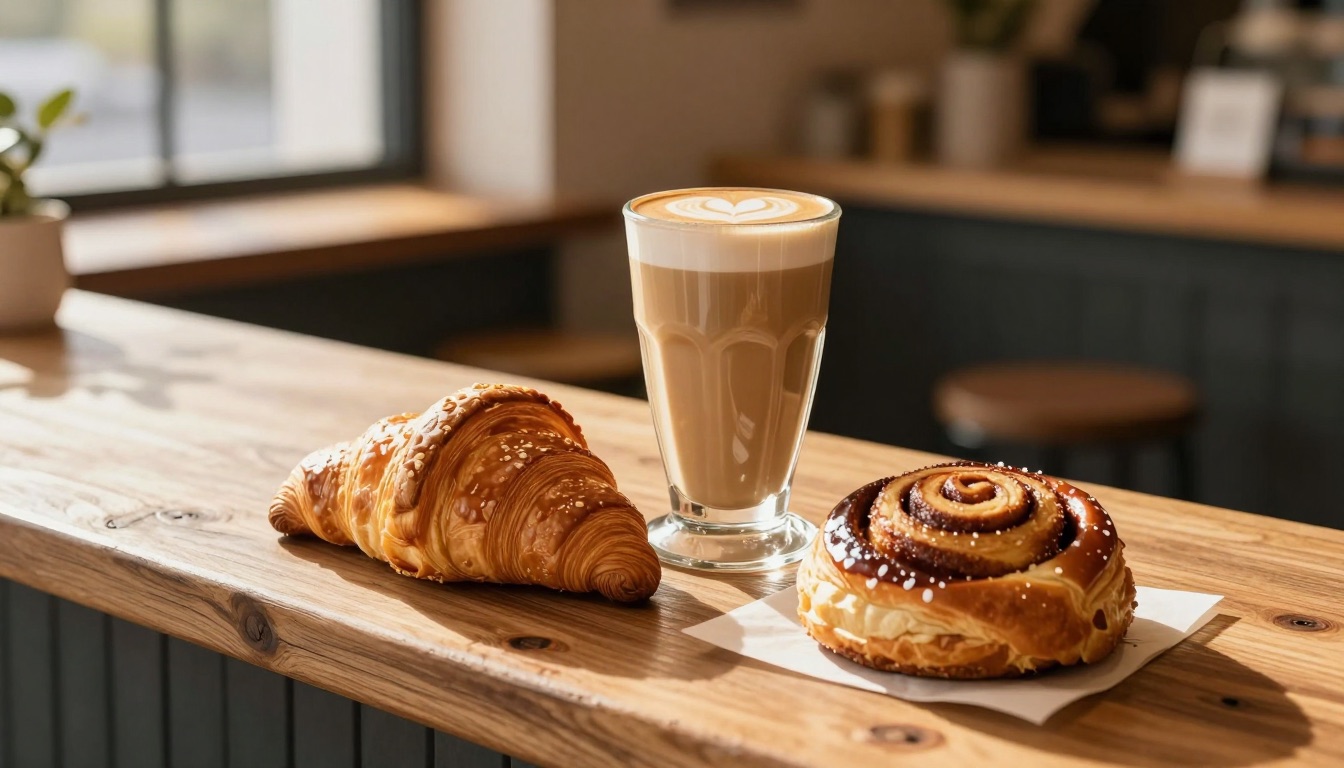
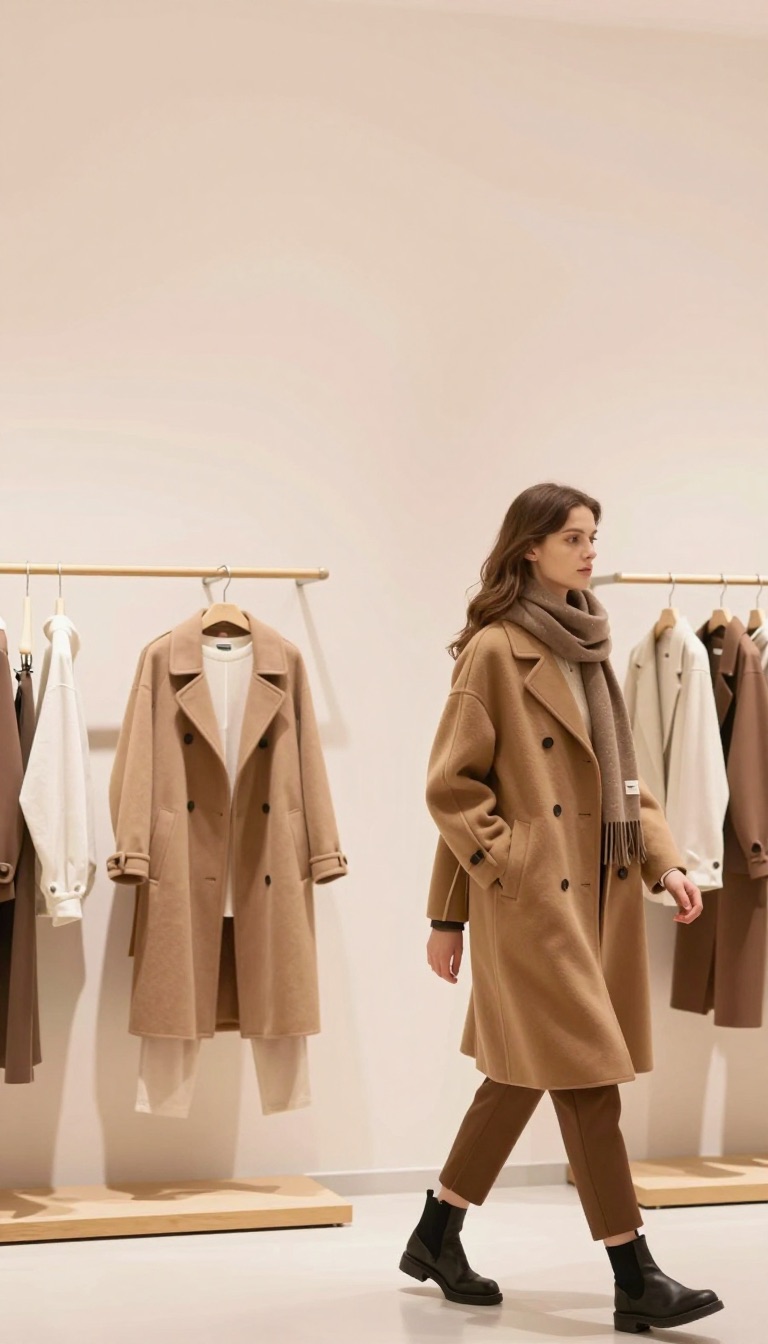
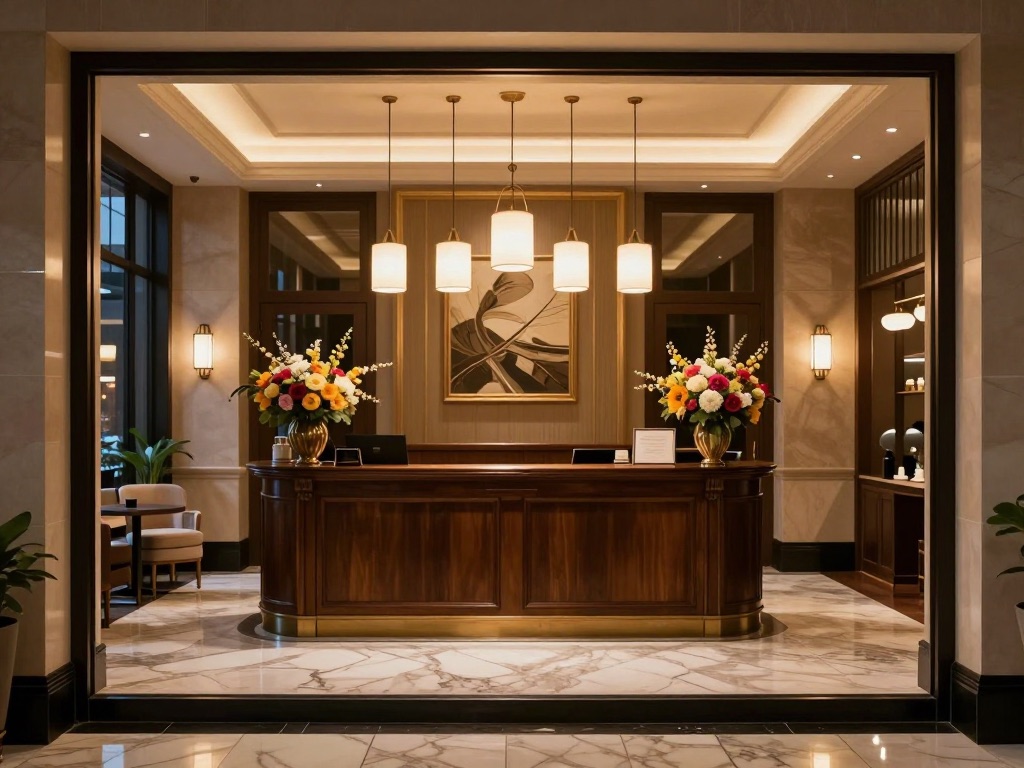
All four images below were generated with DigiOnGo from a one-sentence prompt. No retouching.

What it is good at
Backgrounds and hero visuals: food and drinks, products, interiors, seasonal and holiday themes, abstract and brand-color artwork, motivational scenes. Anything where a photo would normally do — but tailored to your description. Leave text, logos and prices to the playlist editor: overlaying them on top of the image gives crisper results than asking the model to draw them.
Eleven formats for any screen
Digital signage is not just 16:9. Totems are portrait, shelf edges are ultra-wide, menu boards come in every shape. The generator supports 1:1, 4:3, 3:4, 3:2, 2:3, 16:9, 9:16, 7:9, 9:7, 12:5 and 5:12 at up to 1536 pixels on the long side, so the image fits your display without cropping or letterboxing.
Ready-to-play content, not a download
Every generated image is saved as regular content in the folder you pick, with a preview and the original prompt attached. It counts toward your cloud storage like any upload, appears in the content list with an AI badge, and can be used in playlists and schedules the moment it's done.
Included in every plan
AI Image Generator is part of the Free, Starter and Professional plans — no separate subscription, credits or third-party accounts. Each plan has a daily generation limit that grows with the plan; failed generations don't count. The current limit is always visible in the generation dialog.
What's next
This is the first step. We're working on prompt templates for common signage scenarios, generating straight into a playlist slot, and re-using your brand colors. If there is a workflow you'd like automated, tell us — the roadmap is shaped by what you actually put on screens.
Who it's for
Anyone who runs screens without an in-house design team:
- Cafés and restaurants — fresh menu visuals and daily specials without a photo shoot.
- Retail and fashion — seasonal promo backgrounds for totems and window displays.
- Gyms, clinics, hotels — welcome screens and mood visuals that match the interior.
- Integrators — quick placeholders and pilots for a client before the brand assets arrive.
Try AI Image Generator today
Sign in to your DigiOnGo dashboard, open Content and click Generate with AI. The Free plan is enough to see it in action on your own screens.
Open the dashboardRelated Articles
How a Small Coffee Shop Makes Its Own Screen Ads With AI
A 30-seat coffee shop with no designer keeps its menu screen and window display fresh every week — prompts, routine, and what actually changed.
A Two-Chair Barbershop Fills Its Window Screen With AI Visuals
A two-chair barbershop replaced a static window poster with a vertical screen — and fills it with AI-generated visuals for services, promos and slow-hour offers.
A Small Dental Clinic Runs Calm Waiting Room Screens With AI
A three-dentist clinic replaced TV news in the waiting room with calm, on-brand AI-generated visuals and service information — no agency, no stock photos.