
5 Creative Ways to Use Digital Menu Boards
Transform your restaurant's digital menu boards from simple price lists into powerful sales tools. Discover innovative approaches that increase orders, boost satisfaction, and maximize profitability.
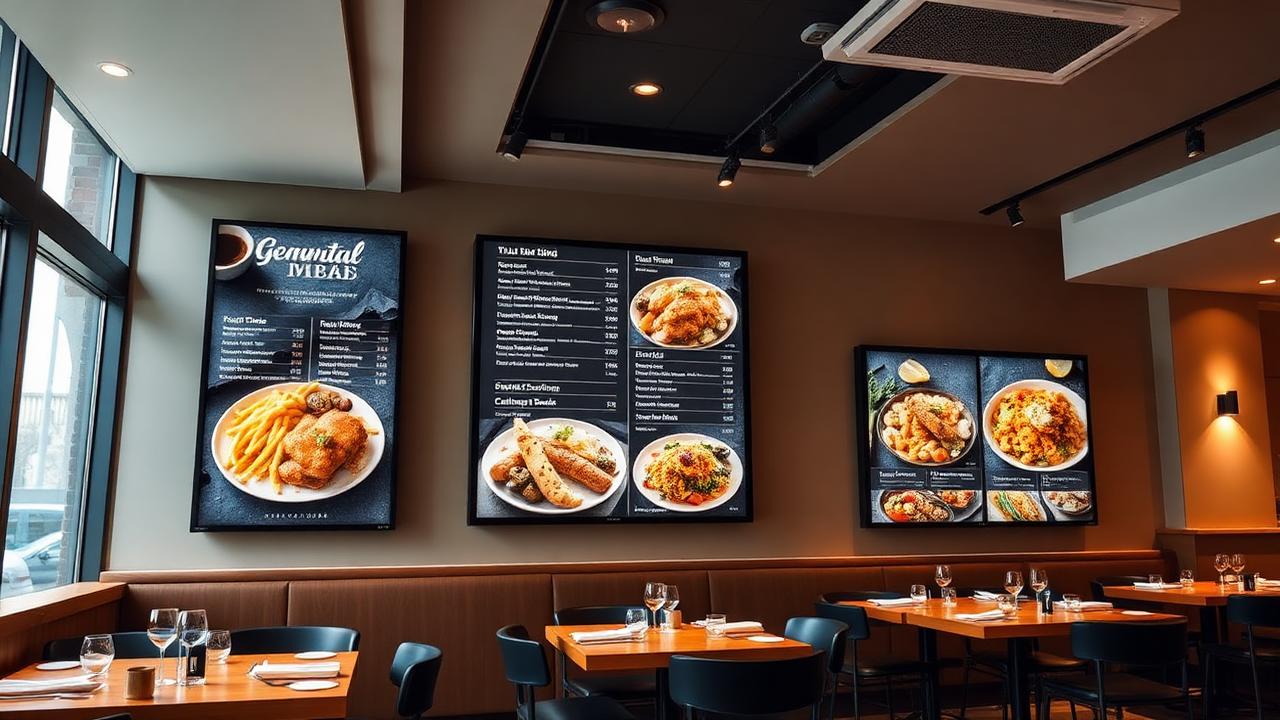
Digital menu boards are now standard in modern restaurants, but most establishments barely scratch the surface of their potential. According to industry research, restaurants using advanced digital menu strategies see 15-32% higher average check sizes and 20% faster order processing times.
Here are five creative, proven strategies to transform your menu boards into profit-generating assets.
1. Dynamic Pricing Based on Demand
Adjust prices in real-time based on time of day, inventory levels, and customer traffic. This isn't about price gouging—it's about smart pricing that benefits both you and your customers.
Implementation Strategy:
- •Happy Hour Automation: Automatically reduce prices 20-30% during slow periods (2-5 PM)
- •Inventory Management: Increase visibility and discount items approaching expiration
- •Peak Hour Optimization: Promote high-margin items during busy periods
Result: One fast-casual chain increased revenue by 18% and reduced food waste by 27% using dynamic pricing.
2. Visual Suggestive Selling
Use stunning food photography and strategic item placement to influence what customers order. The right visuals can increase sales of featured items by 50-70%.
Best Practices:
- •Hero Placement: Place high-margin items in the "golden zone" (center and upper-right of screen)
- •Professional Photography: Invest in mouth-watering images—they pay for themselves in weeks
- •Portion Visualization: Show actual portion sizes to set expectations and reduce complaints
- •Animated Content: Subtle animations (sizzling steaks, pouring drinks) increase engagement by 40%
Case Study: A pizza chain saw their premium specialty pizza sales jump 63% after adding high-quality rotating images.
3. Personalized Recommendations
Use data to show customers what they're most likely to order. This can be based on previous orders (for regulars), popular choices, or time-of-day preferences.
Implementation Ideas:
- •Most Popular Badges: Highlight best-sellers—they account for 60% of orders when featured
- •Time-Based Suggestions: Promote breakfast items before 11 AM, lunch 11-2, dinner after 5
- •Combo Recommendations: "Customers who ordered this also ordered..." increases add-on sales 35%
- •Seasonal Specials: Feature seasonal items prominently—they create urgency and exclusivity
Success Story: A coffee shop chain increased pastry sales by 42% by adding "Perfect with your coffee" suggestions to their menu boards.
4. Nutritional & Allergen Information Display
Modern diners want transparency. Displaying nutritional information and allergen warnings doesn't hurt sales—it builds trust and can actually increase orders from health-conscious customers.
Smart Implementation:
- •Icon System: Use simple icons (GF, V, VG, DF) that don't clutter the design
- •Calorie Counts: Required by law in many areas—make them clear but not overwhelming
- •Better For You Section: Dedicate space to healthier options—appeals to 45% of customers
- •QR Code Details: Offer complete nutritional info via QR code for those who want more
Research Finding: 73% of diners say allergen information makes them more likely to return to a restaurant.
5. Storytelling & Brand Experience
Transform your menu board into a brand storytelling platform. Share your restaurant's story, highlight local ingredients, and create emotional connections that turn first-time visitors into regulars.
Creative Approaches:
- •Chef's Story: Brief animated clips of your chef explaining signature dishes
- •Local Sourcing: Highlight partnerships with local farms and suppliers—customers care!
- •Behind-the-Scenes: Show kitchen prep, baking, or cooking processes (triggers hunger!)
- •Customer Reviews: Rotate real customer testimonials and photos from social media
- •Heritage & Tradition: For family restaurants, share your history and traditions
Impact: Restaurants that tell their story effectively see 28% higher customer retention and 22% more social media mentions.
Bonus: Menu Board Design Tips
DO:
- • Use high-contrast colors for readability
- • Keep font sizes large (min 40px for prices)
- • Limit menu items to 7-9 per screen
- • Update content weekly minimum
- • Test readability from 10 feet away
DON'T:
- • Overwhelm with too many options
- • Use busy backgrounds that distract
- • Make text scroll or move too fast
- • Forget to test in different lighting
- • Neglect mobile/takeout versions
Transform Your Menu Boards Today
DigiOnGo makes it easy to implement all these strategies without technical expertise. Start creating menu boards that actually drive sales.
Get Started with DigiOnGoRelated Articles
10 Ways to Maximize Your Digital Signage ROI
Learn proven strategies to get the most value from your digital signage investment.
Introducing AI Image Generator: Screen Visuals From a Text Prompt
Describe a visual, pick a format, get a ready-to-play image in your DigiOnGo content library — no designer, no stock photos.
How a Small Coffee Shop Makes Its Own Screen Ads With AI
A 30-seat coffee shop with no designer keeps its menu screen and window display fresh every week — prompts, routine, and what actually changed.